
Compare Wi-Fi kits
Both kits mount to a magnetic steel panel and connect to your kiosk by USB. Choose the single-antenna kit for 2.4 and 5 GHz, or the Plus for faster link rates and access to 6 GHz.
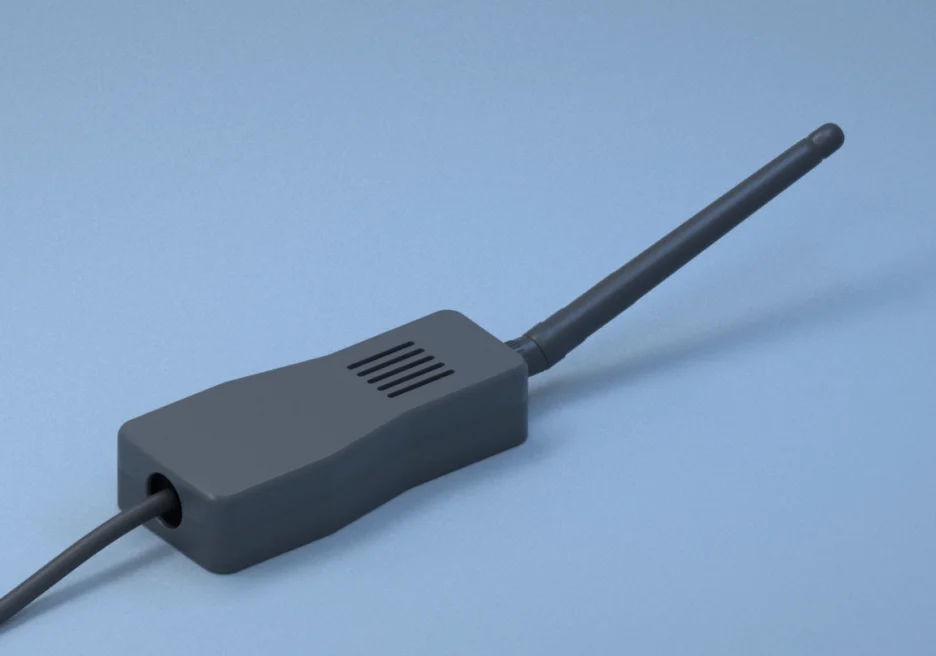
Wi-Fi Kit
Dual-band Wi-Fi 5
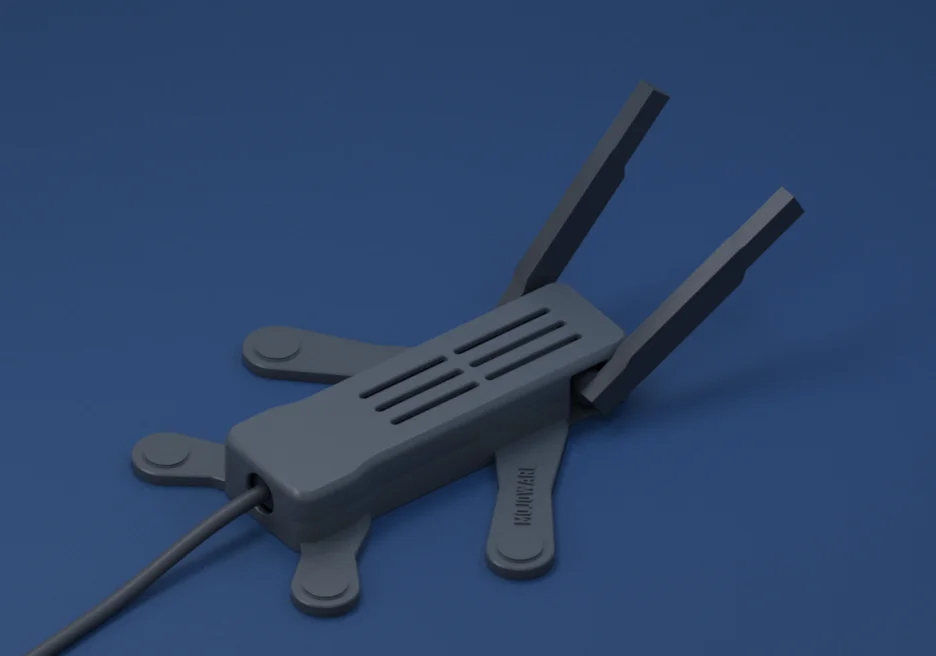
Wi-Fi Kit Plus
Tri-band Wi-Fi 6E
Speeds, antennas and mounts
Download comparison (PDF)| Feature | Wi-Fi Kit | Wi-Fi Kit Plus |
|---|---|---|
| 2.4 GHz | 150 Mbps | 574 Mbps |
| 5 GHz | 433 Mbps | 1,201 Mbps |
| 6 GHz | Unsupported | 1,201 Mbps |
| Antennas | 1 adjustable, detachable antenna | 2 adjustable folding antennas |
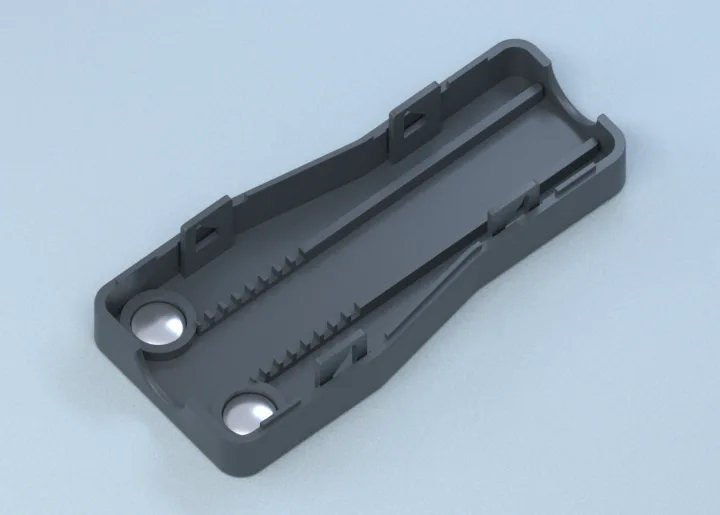
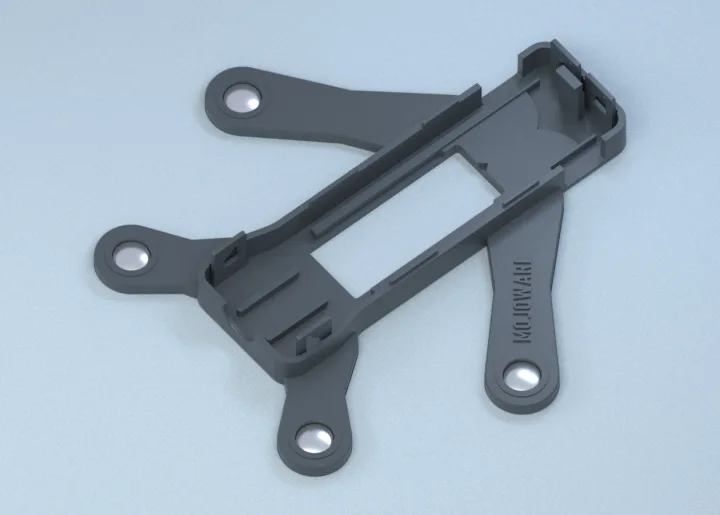
| Magnetic mount | 2 magnets concealed inside the base | 4 magnetic feet on external arms |
| USB connection | USB 2.0 | USB 3.0 |
| Mount footprint | 99 × 44 mm | 137.4 × 136 mm |
Speeds are maximum wireless link rates per band. Actual throughput varies. Using 6 GHz requires a compatible host and network. Footprints exclude antennas and cables.
How the magnetic mounts work
Place the base against a steel surface that holds a magnet, plug the cable into the kiosk and angle the antennas. The open bases below show the magnet locations before capping.
Need help choosing a kit for your cabinet?
Talk to MojoWare